Transform Your Handheld (Win11) into an Xbox!
After debuting on ROG Xbox Ally X, the update is now available for all
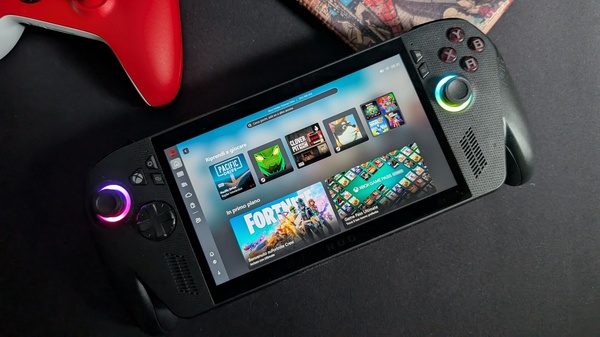


With the latest update on November 21, all currently available handheld devices based on Win11 can access the Full Screen Experience (FSE), which is the ability to boot the device directly into Xbox mode. This feature was previously exclusive to devices created by Xbox in collaboration with ASUS and is now extended to a wider range of devices available to the public, specifically all those using Win11 as their operating system. Essentially, instead of booting Win11, the handheld device loads the Xbox app upon startup and through it allows access to a series of functions, including managing your game library by including all products purchased from other platforms in a single virtual storefront (the main one, of course, is Steam, but games purchased on GoG, Epic Store, Ubisoft+, and EA can also be linked). But let's take a closer look at how it works.
How the Full Screen Experience Changes Win11 Portables
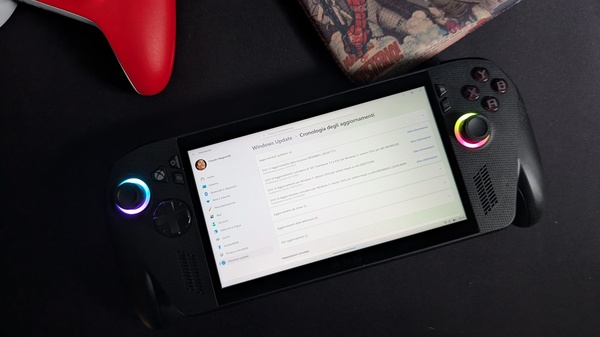
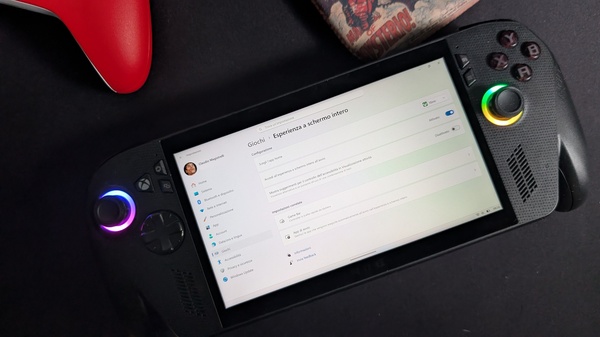
To access FSE on a handheld device, first make sure it is updated to the latest available version of Win11 (25H2) in the Windows Update menu of the Settings. After that, by accessing the Games menu, also within Settings, you will find the Full Screen Experience option which allows you to configure various settings, including which app to run as the new home (select Xbox from the drop-down menu) and whether to access the full screen experience at startup.
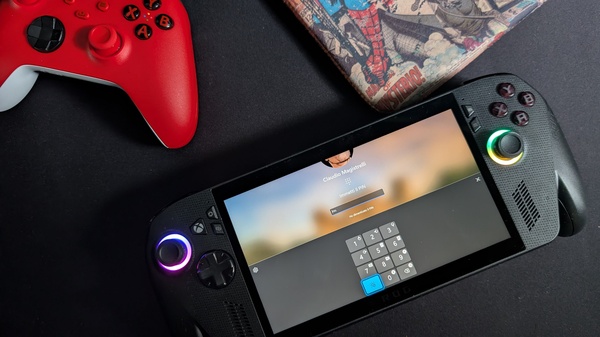
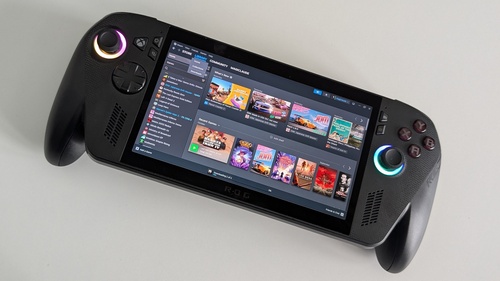
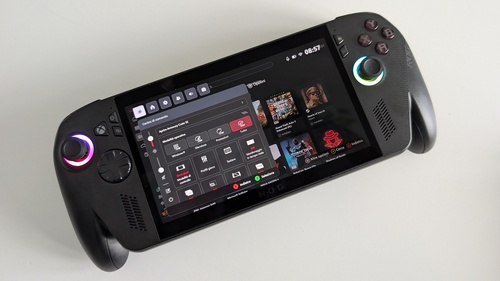
This last option offers a series of advantages. The most obvious is the transformation of your handheld into a device that can be controlled completely and intuitively through physical buttons and analog sticks. Everything becomes usable through the integrated gamepad, including the "gestural" typing of the hardware unlock PIN. Similarly, you can type text on screen, in a search bar for example, by moving on the on-screen keyboard with the analog sticks and D-Pad, just like on any Xbox console model. The touch gestures also change, with a swipe from the left now opening the Game Bar while a swipe from the bottom opens the Task View, which allows you to navigate open Apps by moving between horizontal tabs.
The navigation interface, however, is more reminiscent in terms of composition of Steam Big Picture or Switch (or the YouTube app, for a more general reference), with large rectangular cards that lead to submenus or individual game cards: on the home screen we find quick access to the latest played titles as well as new releases from Xbox, while from the bar on the left you can access other sections of the Xbox App, including the Library. As mentioned at the beginning, this section now hosts your entire collection of titles executable in a Win11 environment (and installed on the device), including those purchased from other stores.
In addition to simplifying (or perhaps just making more familiar) gaming sessions on your handheld device, FSE can also provide some small performance boosts. Booting the portable in this mode actually "blocks" Win11 from loading a series of unnecessary elements, including, of course, the desktop, but also the Start Menu, the Taskbar, and all those other Apps you may have enabled to start with the operating system, freeing up to 2 Gigabytes of RAM. Obviously, this small advantage (whose impact varies depending on how many Apps Win11 previously had to open) is reduced when other Apps external to the Xbox one are opened, such as Steam.
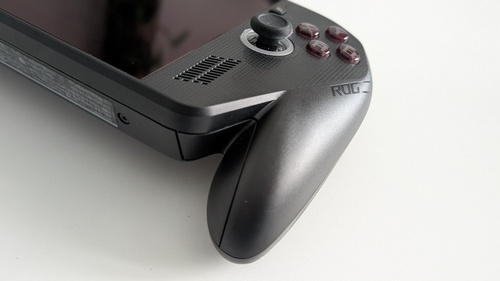
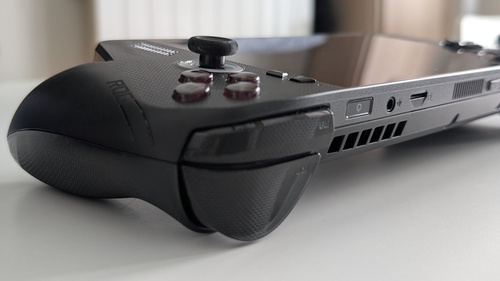
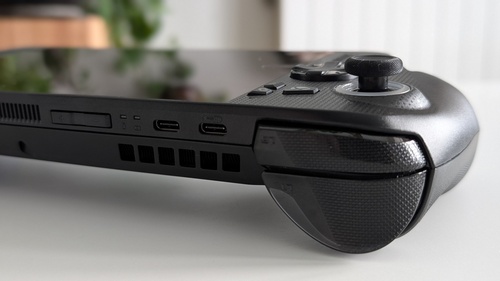
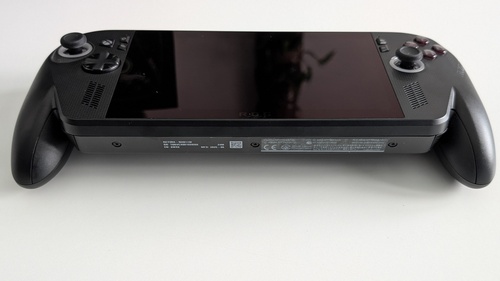
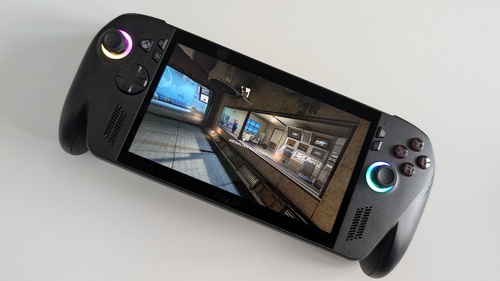
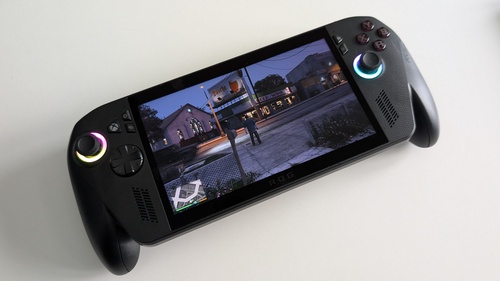
Overall, the Full Screen Experience fits handheld devices perfectly, even more so for users who already come from the Microsoft ecosystem as their gaming base, transforming them (at least temporarily) into portable consoles. On the other hand, these devices are primarily designed for gaming, and FSE offers a mode that focuses on this aspect, centralizes all gaming options in a single hub, and optimizes the operating system's performance for this purpose. To the point that, using it from the start on the ROG Xbox Ally X we reviewed, we never felt the need to return to Win11 mode.
The Full Screen Experience also on notebooks, desktops, and tablets (but in Preview)
Another big news these days is the availability of the Full Screen Experience on another range of products that use Win11, namely desktops, laptops, and tablets, through the Windows Preview program. On these devices, the Full Screen Experience introduces a new graphical interface, navigable via controller, designed to bring the gaming experience on these devices closer to that of a console. Imagining you have a PC that you use exclusively for gaming, for example, you could set it to always boot in FSE mode, controlling all game-related operations with the pad through this interface, moving through the Task Switcher between various Apps, returning to the Win11 environment only when necessary.
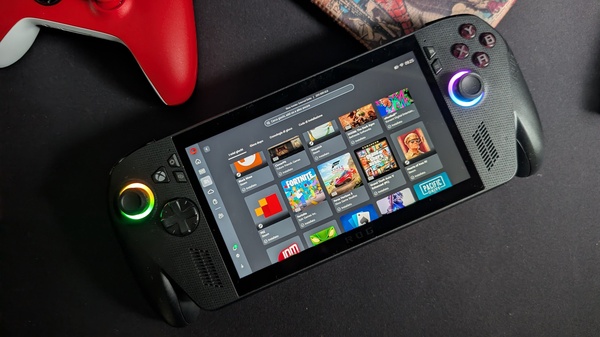
However, to access this preview these days, it is necessary to enroll in the Xbox and Windows Preview programs and download operating system versions that are still in the testing phase, and therefore less stable. If you want to venture, you can find all instructions here; for everyone else, it will be enough to wait some time to find the same mode in some future official Win11 update.
Gallery
Similar articles

Memory Island, an unforgettable adventure into Filipino folklore from Dreamworks
Renpho Morphoscan Nova and LYNX Smart Ring: the smart devices that transform your weight loss journey

Star Wars Zero Company Aims to Transform the Clone Wars into a Personal Tactical Conflict - Preview