How is PS Portal after the update?
Cloud gaming changes PS Portal's face
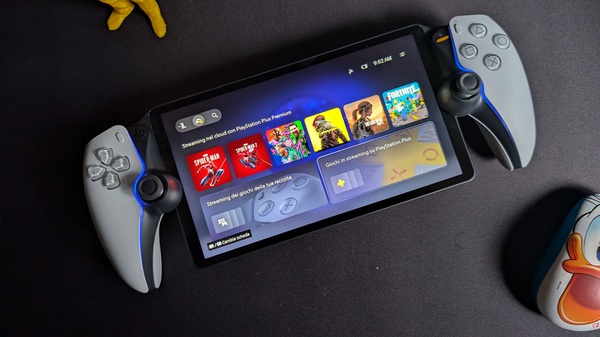


After extensive beta testing, a new update for PS Portal has been available to everyone for a few days, officially introducing the ability to stream games on the mirroring device, effectively transforming it into a standalone portable console. This long-awaited change of pace for PS Portal owners (and also for those planning to buy it, given the sales data) demonstrates that Sony still has plans for this device, which until now has not been adequately supported.
First, the cold facts
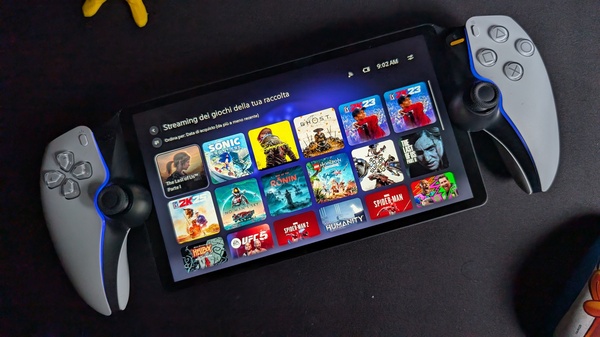
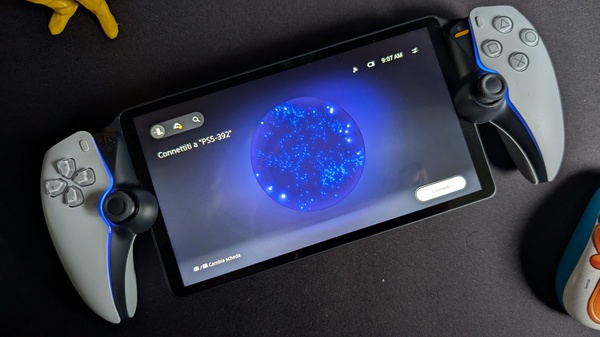
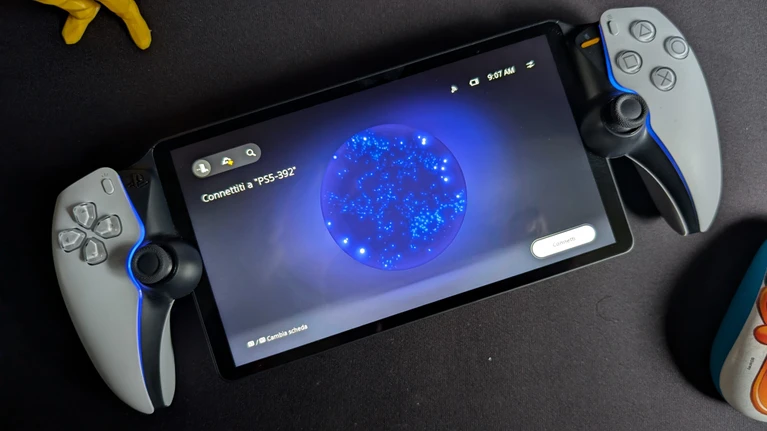
Let's start with the list of all the small and large innovations introduced by the update. When PS Portal is turned on, you are now greeted by a new home screen that is divided into three distinct tabs: the first, the default one, is the Remote Play tab that we already know well and which allows you to mirror what is playing on your PS5 connected to the network (even turning it on if necessary, as long as it is in rest mode) by pressing a button. By moving with the shoulder buttons, however, you can switch to the other two tabs, one dedicated to Cloud Gaming and a final one reserved for searching for playable streaming titles. In particular, the main Cloud Streaming screen is the most interesting. From here, you can quickly access recently played titles or, through two sub-menus, the screen of titles you own available for streaming and the screen of streaming games available for PlayStation Plus subscribers. Among the latter, unfortunately, it is not possible to filter the recently added Classic line with other titles.
Other minor refinements concern 3D audio support, which introduces spatial audio in both Remote Play and during streaming, for both wired headphones and compatible PlayStation Link wireless audio devices. In the troubleshooting menu, there is now a network status screen, while an access code for PS Portal can be set in the security menu (as already present on PS5). The latest additions concern the gaming experience: after the update, it is possible to purchase additional content even in streaming titles and receive invitations to play multiplayer sessions with other friends playing the same title; finally, the range of accessibility options has also been expanded, including a screen reader and text size adjustment.
Then, the field test
Intrigued by the promised novelties, we therefore took our beautiful and brand new PS Portal from its charging base (third-party because Sony has somewhat neglected its creation from this point of view too) and immediately started the quick update of a few hundred Megabytes. The initial experience is not revolutionized: the Home screen you access is the classic one and it takes a bit of an eye to spot the screen change icons in the upper left. In fact, however, this simple change makes PS Portal something else: a device that can be used on its own, even when the PS5 it is connected to is busy with something else, or even connected to another account. And it's a nice change, because until now PS Portal could only be used in connection with a PS5, for which it essentially acted as a wireless monitor.
Of course, Remote Play is still present and its operation, when everything goes smoothly, is always surprising: playing with your PS5, safe within the walls of your home, while you are hundreds of kilometers away always sounds like magic. Until reality intervenes. For example, since PS Portal needs to find the PS5 connected in rest mode to start it and display its image, a thunderstorm at home that causes a power outage is enough to break the spell. In my case, then, I have a particular problem, but not so rare: with the current TV, PS5 struggles to "hook" the HDMI, which means that if the TV is on, PS Portal's connection attempt may fail. In short, Remote Play is an excellent feature, subject to all those problems related to networks and connections, but by itself, perhaps, it was not enough to justify the existence of PS Portal (perhaps and especially from a commercial point of view).
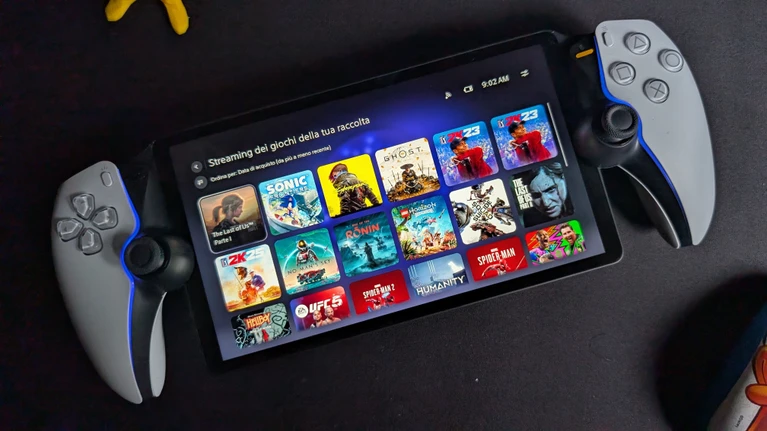
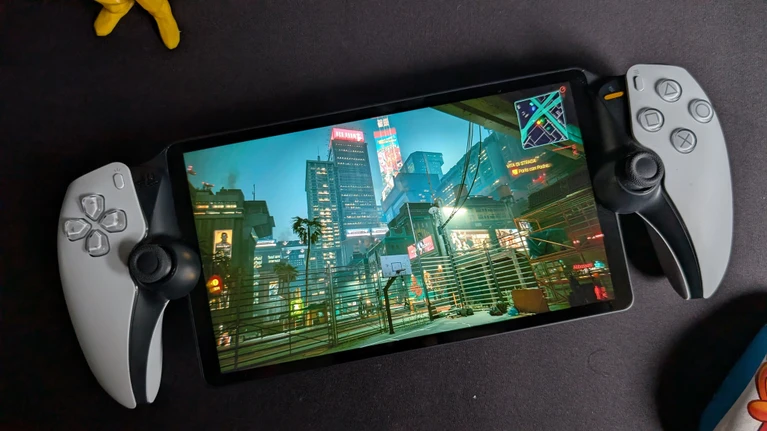
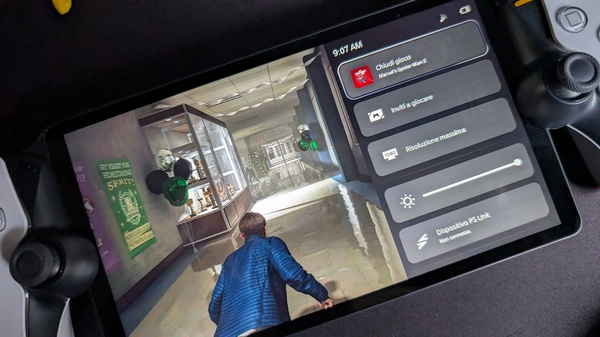
The official introduction of streaming games definitely expands the device's functionalities, but above all, the opportunities to use it. I tested about ten streaming games without encountering any problems, except for some sporadic disconnections during the central hours of the day, probably related to bandwidth limitations imposed by internet providers in case of excessive traffic. Loading times are also excellent, estimated on average around 30 seconds. Overall, the streaming gaming experience can be described as excellent: even demanding titles like TLOU2 or Marvel's Spider-Man 2 are indistinguishable from Remote Play (in fact, often more stable), also thanks to the smaller screen size which can mask some flaws, and if you have already played them on your PS5, you will find your saves waiting for you in the cloud. The real test is online gaming, but this test can also be considered passed: obviously there is a latency (i.e., a delay in command execution) slightly higher than single-player games, noticeable to the naked eye without the need for electronic meters, but not so excessive as to ruin the experience: in other words, all the goals conceded in eFootball are my fault, although at the moment I have obviously blamed everything on the always guilty LAG (oh, speaking of eFootball, I found my team at the first, it's essentially like starting games downloaded on console). I would not recommend using PS Portal for competitive matchmaking, but with a few small compromises, multiplayer sessions are also extremely enjoyable.
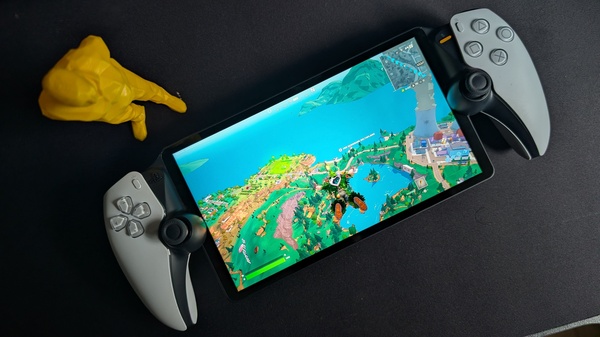
To sum up, this update arrives almost unexpectedly, although it has been whispered for a while, because Sony's support for PS Portal has not been so convinced until now, but the result is a change of perspective on the device. Some interface adjustments would be needed to make the experience more comfortable (at least some kind of game collection), but the technical solidity of the playback is an excellent calling card. The bitter aftertaste is given by the fact that PS Portal's longed-for autonomy comes through a PS Plus Premium subscription, without which you cannot access cloud games: a kind of additional levy necessary to use a device for which a fair amount of euros has already been spent. Of course, it's a widespread trend, but no less worrying for that.
Similar articles